What Premium unlocks, what you get for free, and how the one-time purchase works.Was Premium freischaltet, was kostenlos enthalten ist und wie der einmalige Kauf abläuft.
Quick start
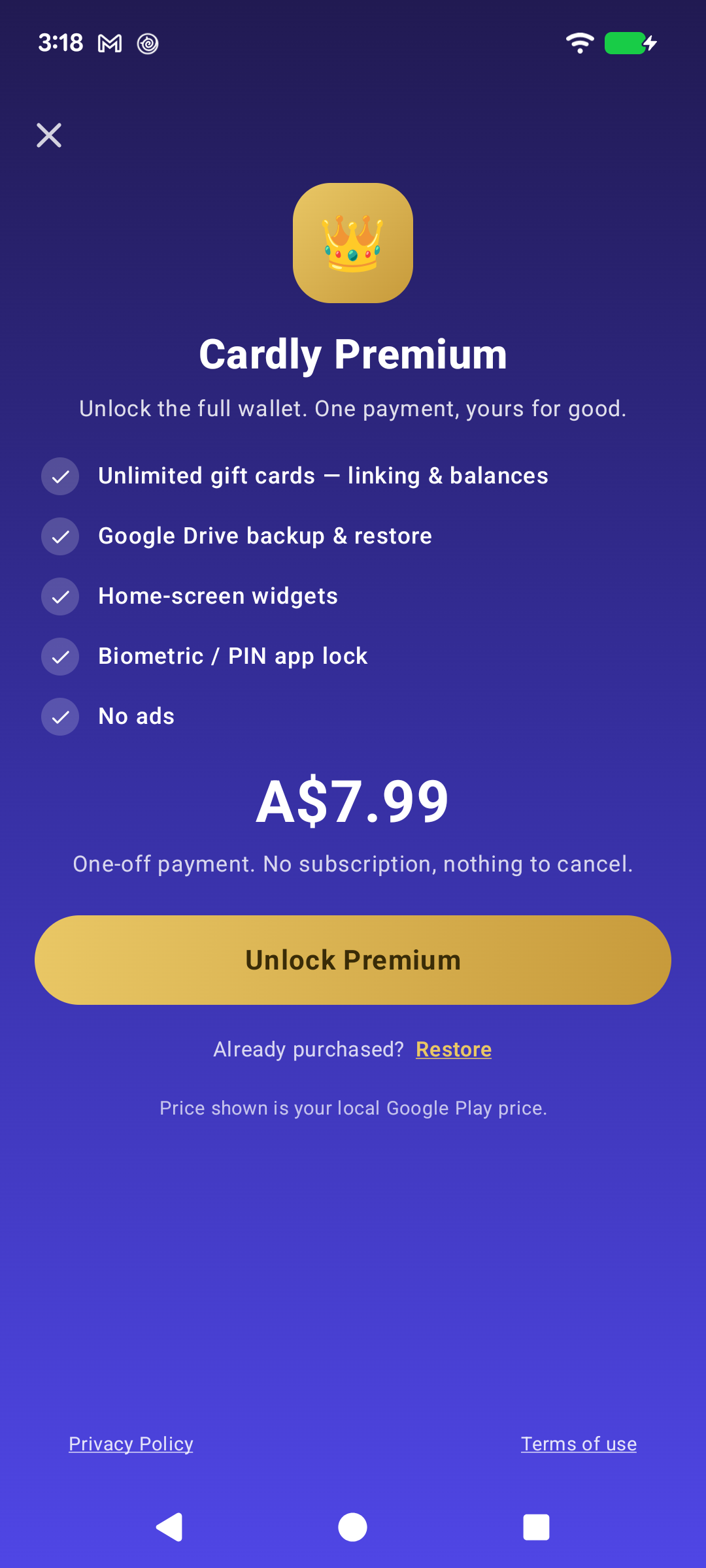
Cardly is free, and there is no limit on how many cards you keep. Premium is a one-time purchase, not a subscription. It unlocks five things:
Unlimited gift cards — linking & balances
Google Drive backup & restore
Home-screen widgets
Biometric / PIN app lock
No ads
One payment, no subscription, nothing to cancel. The price shown is your local Google Play price.
Below: what you get without paying, and how the purchase works.
Going deeper
What the free version does
Rather more than you might expect. You can store as many rewards, membership and other cards as you like — there is no card limit — and you get one gift card, fully working: linked to a rewards card if you want, with its balance tracked. Scan Mode, shortcuts, colours, card types and themes are all free too.
What Premium adds is the second gift card onwards, plus backup, widgets and the app lock.
Buying it
One payment, through Google Play, and it is yours. Nothing renews, nothing has to be cancelled, and there is no trial to forget about. The price is shown on the Premium screen in your own currency.
Refunds are handled by Google Play under their refund policy. We never see your payment details.
Already bought it and set up a new phone? Restore on the Premium screen brings it back — the purchase is tied to your Google Play account, not to the handset.
Backup is the one to think about
Google Drive backup and restore is a Premium feature, and it is the one that matters when you change phones — without a backup, your wallet does not come with you.
Schnellstart
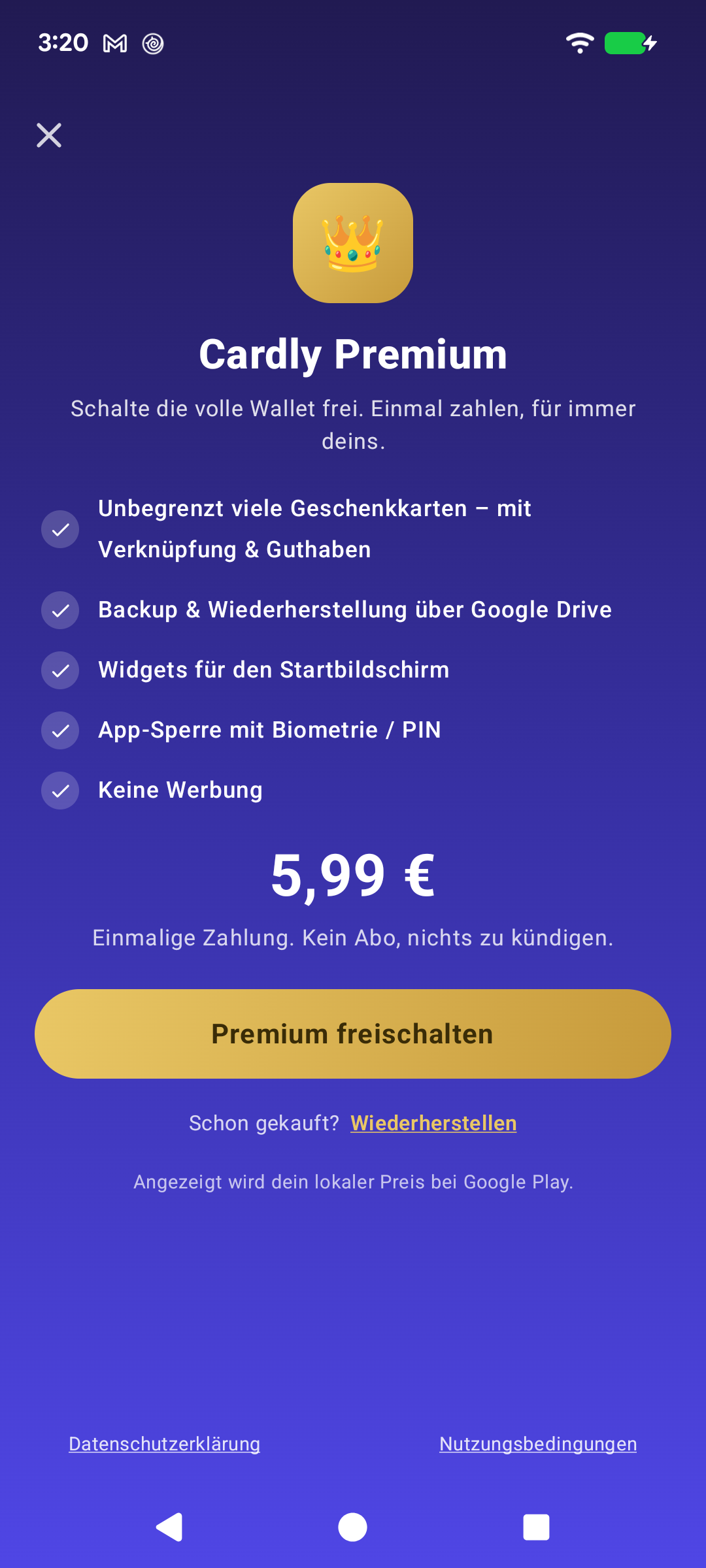
Cardly ist kostenlos, und die Anzahl Ihrer Karten ist nicht begrenzt. Premium ist ein einmaliger Kauf, kein Abo. Es schaltet fünf Dinge frei:
Unbegrenzt viele Geschenkkarten — Verknüpfung & Guthaben
Google Drive-Sicherung & Wiederherstellung
Widgets für den Startbildschirm
Biometrische / PIN-Sperre
Keine Werbung
Eine Zahlung, kein Abo, nichts zu kündigen. Der angezeigte Preis ist Ihr lokaler Google-Play-Preis.
Weiter unten: was die kostenlose Version kann und wie der Kauf abläuft.
Tiefer eintauchen
Was die kostenlose Version kann
Mehr, als Sie vielleicht erwarten. Sie können beliebig viele Kunden-, Mitglieds- und sonstige Karten speichern — es gibt keine Kartenbegrenzung — dazu eine voll nutzbare Geschenkkarte: auf Wunsch mit einer Kundenkarte verknüpft und mit verfolgtem Guthaben. Scan-Modus, Verknüpfungen, Farben, Kartentypen und Designs sind ebenfalls kostenlos.
Premium ergänzt die zweite und jede weitere Geschenkkarte sowie Sicherung, Widgets und die App-Sperre.
Der Kauf
Eine Zahlung über Google Play, und es gehört Ihnen. Nichts verlängert sich, nichts muss gekündigt werden, und es gibt keinen Testzeitraum, den man vergessen könnte. Den Preis sehen Sie auf dem Premium-Bildschirm in Ihrer Währung.
Erstattungen wickelt Google Play nach den dortigen Richtlinien ab. Ihre Zahlungsdaten sehen wir nie.
Schon gekauft und ein neues Telefon eingerichtet? Wiederherstellen auf dem Premium-Bildschirm holt den Kauf zurück — er hängt an Ihrem Google-Play-Konto, nicht am Gerät.
An die Sicherung sollten Sie denken
Die Google Drive-Sicherung und -Wiederherstellung gehört zu Premium und ist die Funktion, auf die es beim Gerätewechsel ankommt — ohne Sicherung zieht Ihre Brieftasche nicht mit um.